How to set up your account, find lots, bid, follow your bids, see results and pay on Current Sales. For the meaning of auction terms, see the Glossary.
Eleven short videos show the steps on the real screens, with captions and no sound. They play one after another; use Previous video and Next video to move between them, or pick one from the list. To try it yourself on pretend lots, open the Demo Sale: nothing is saved and no real bids are placed.
This video couldn’t load. Check your connection and try again.
That was the last video.
Up next in 5
Changes to the site from the last 30 days. Select a title to read more in this guide.
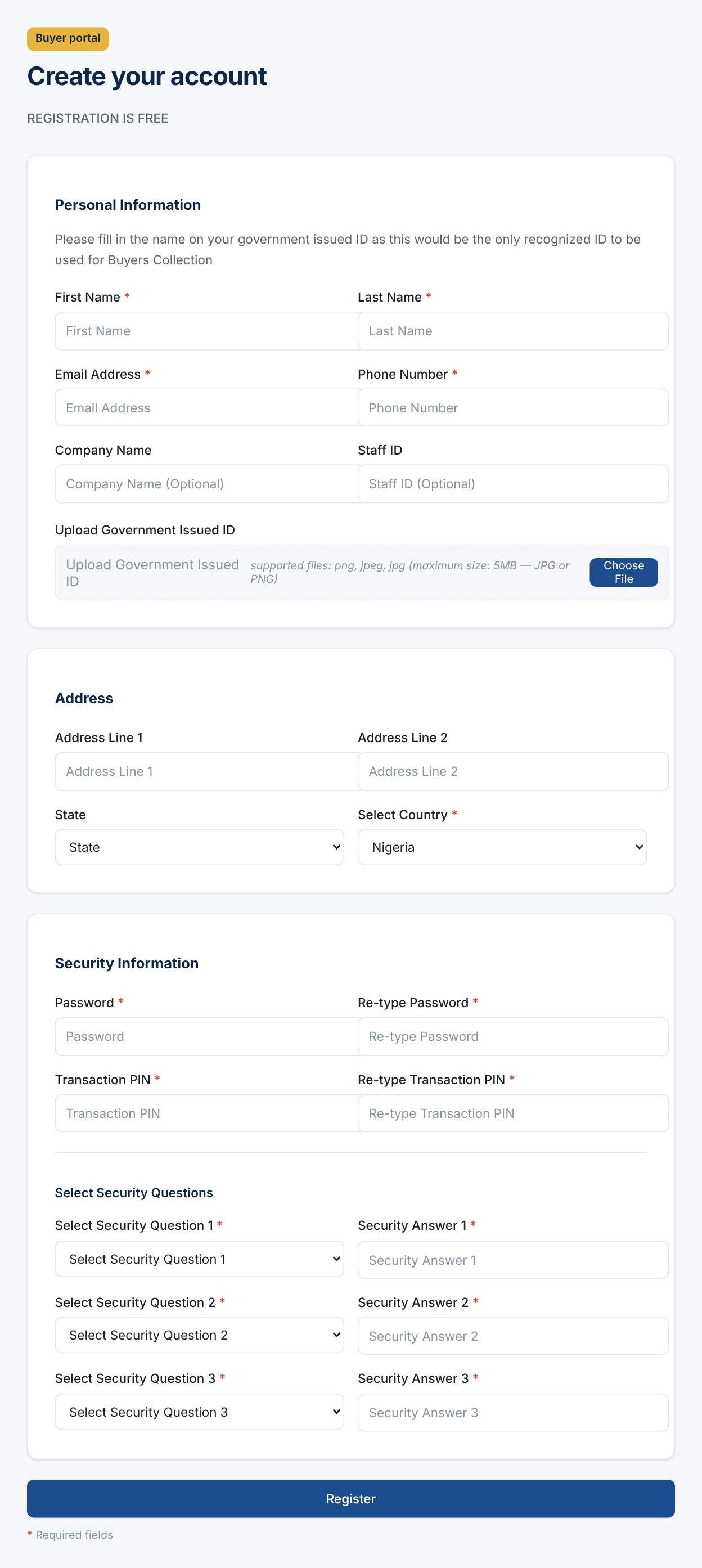
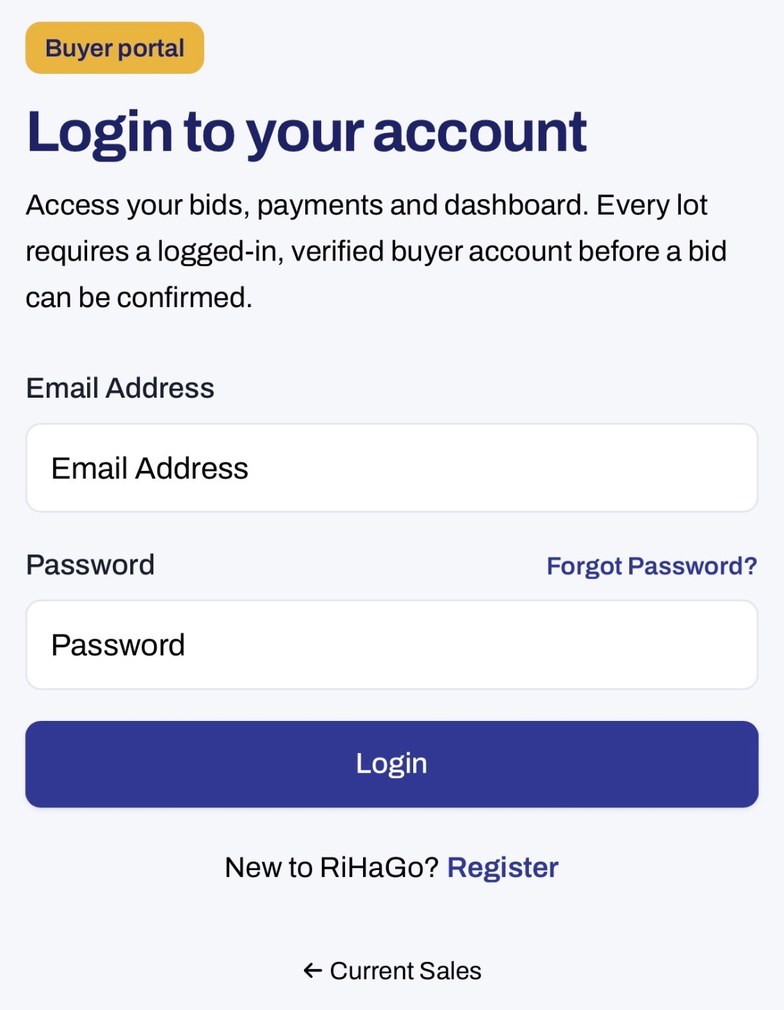
You can browse lots without an account. To bid, you need a registered, verified account and to be logged in.


Changing your details. Under My Account you can change your password, Transaction PIN and security questions. For your security, each can be changed once every 90 days.
Rating an auction. When an auction you have open on the Current Sales page ends, a pop-up invites you to rate it (logged out, it asks you to log in first). If you bid in that auction your rating shows your first name and surname initial; otherwise it is shown as Anonymous.
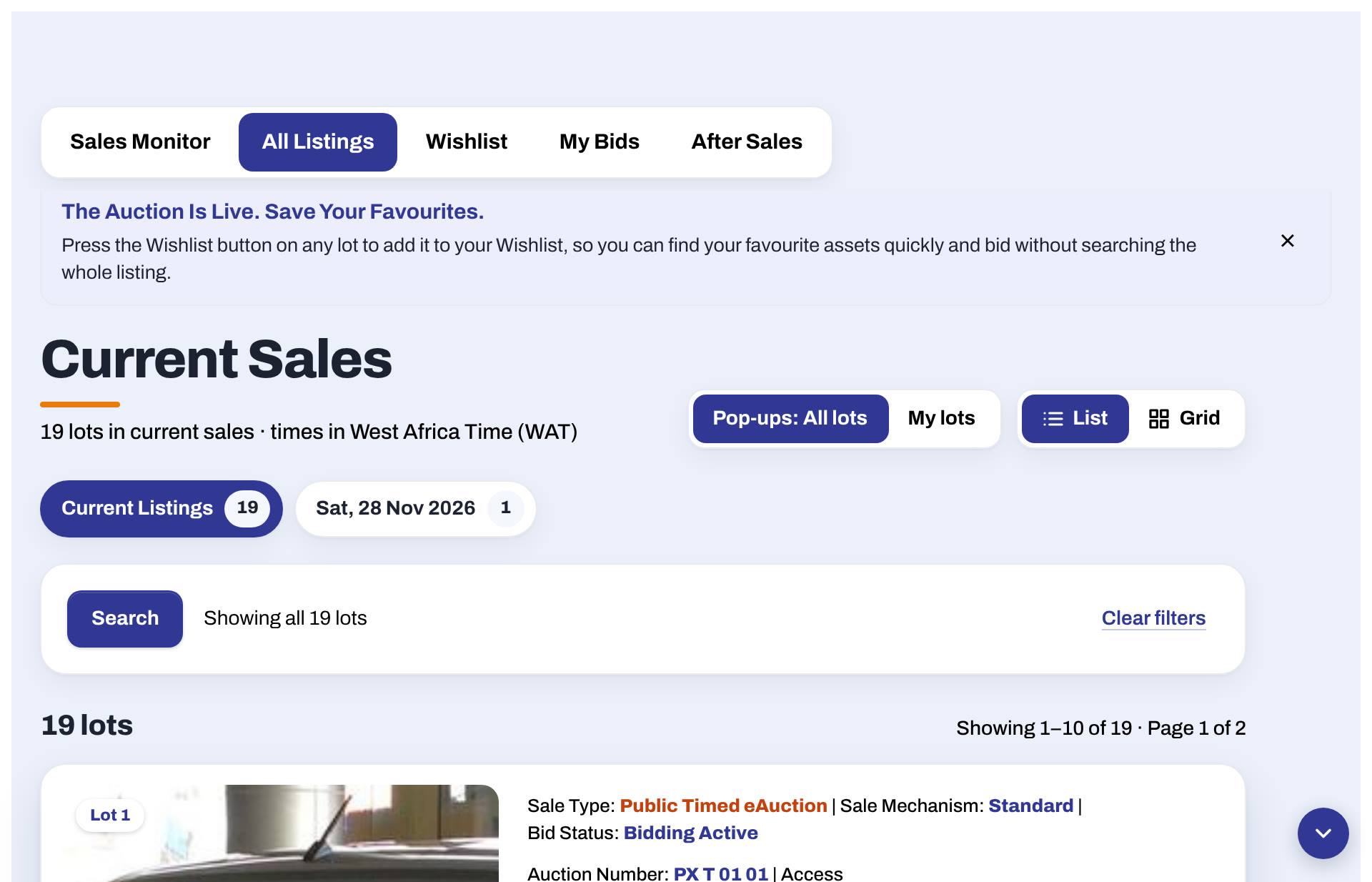
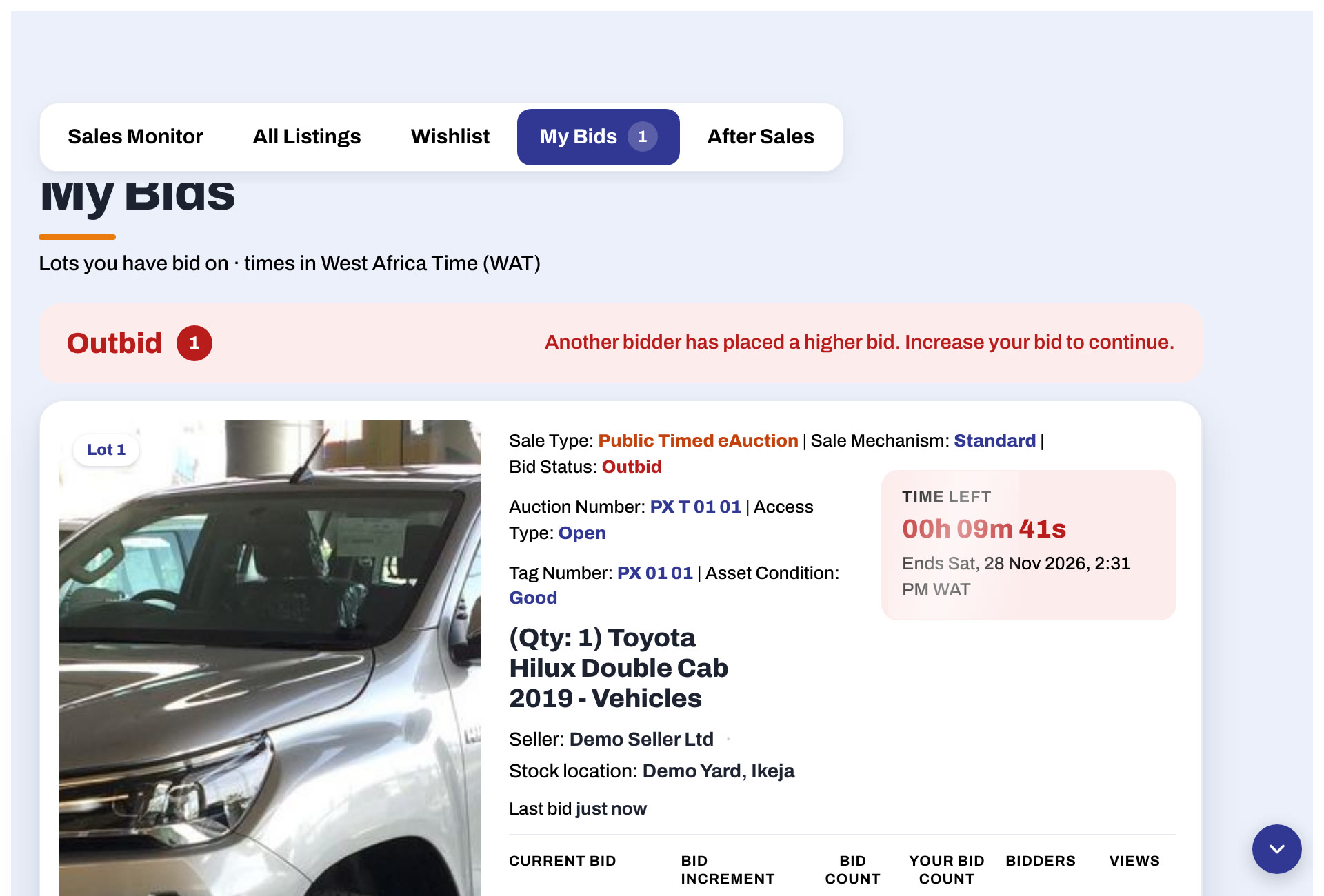
Everything happens on one page with five tabs. The Current Sales and Future Sales buttons on the home page lead here.


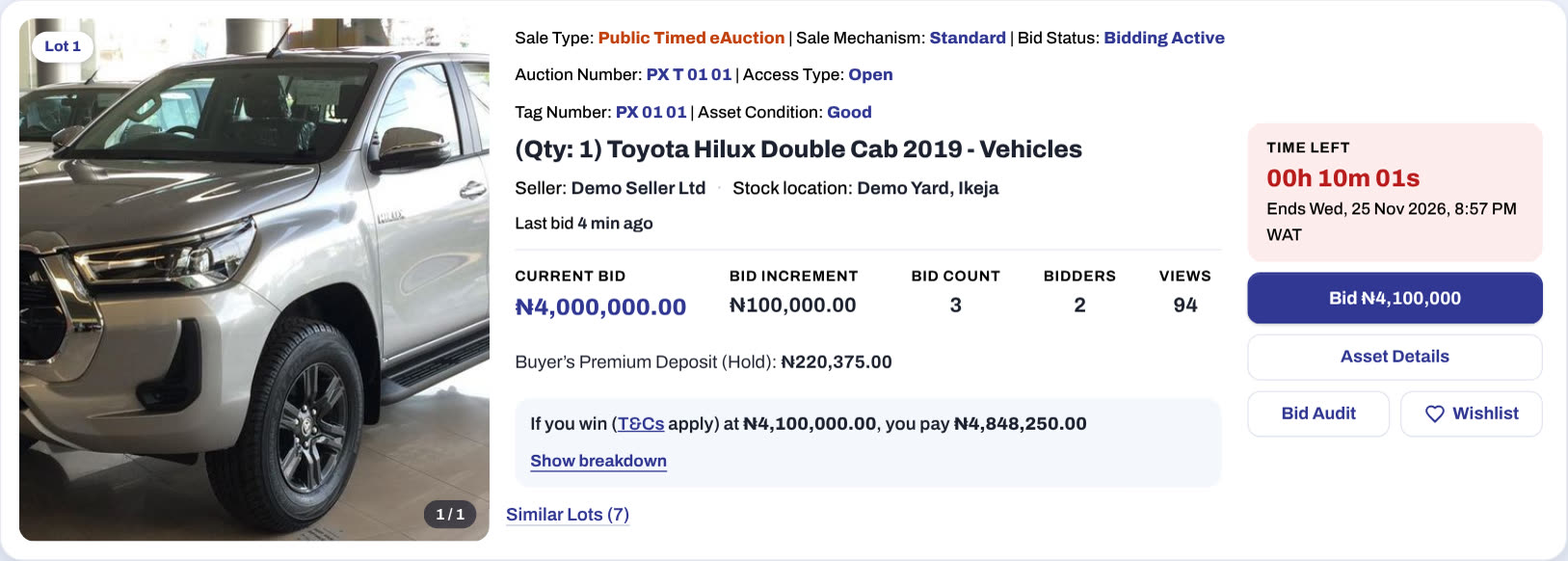
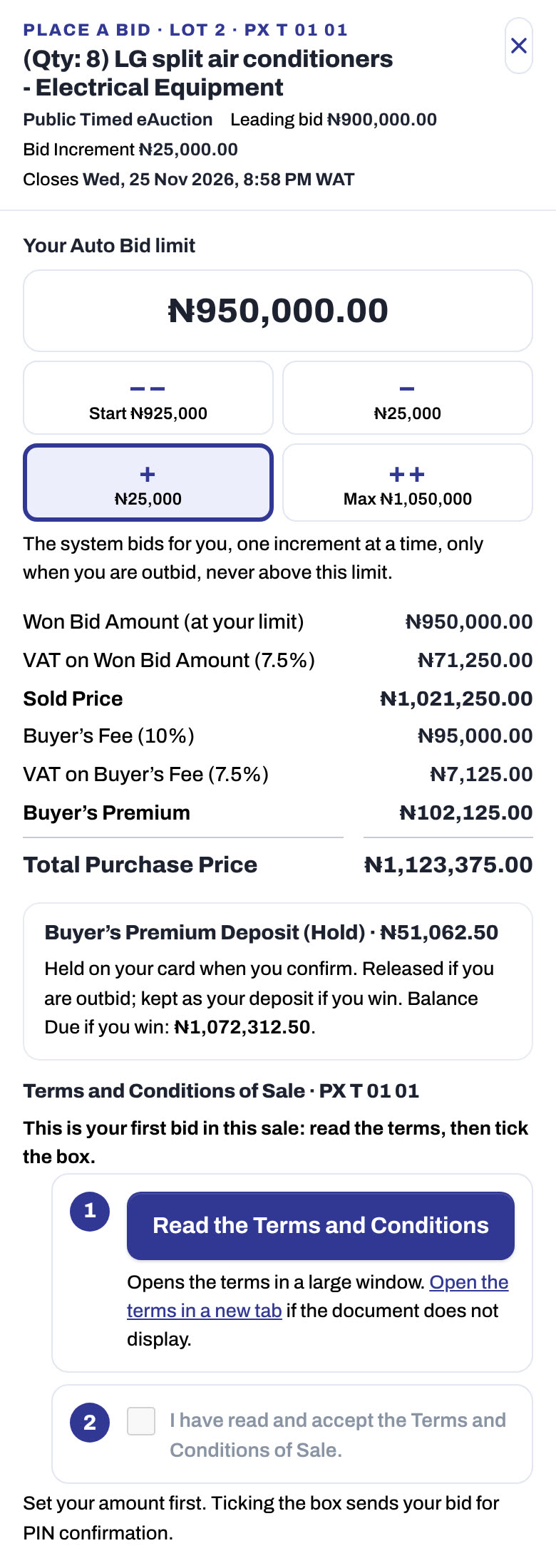
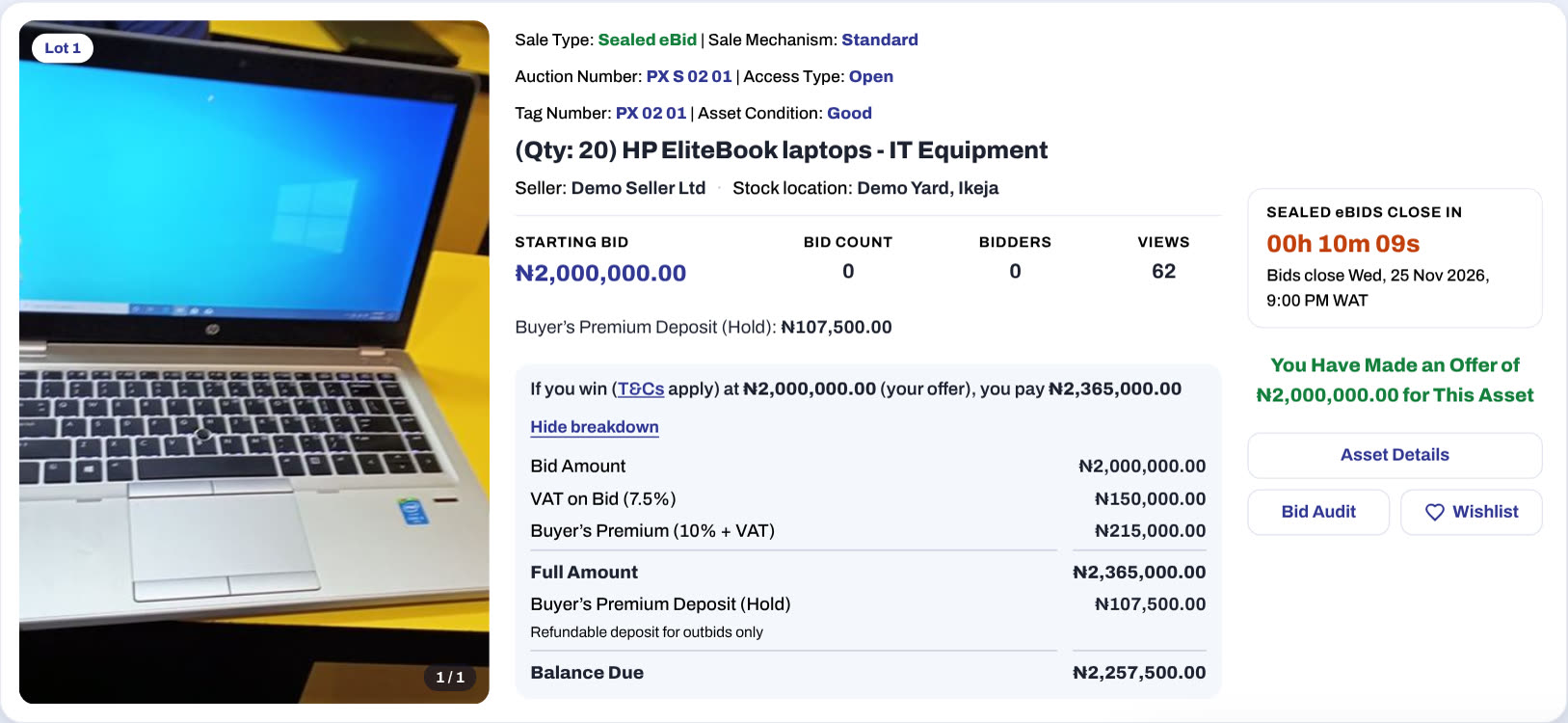
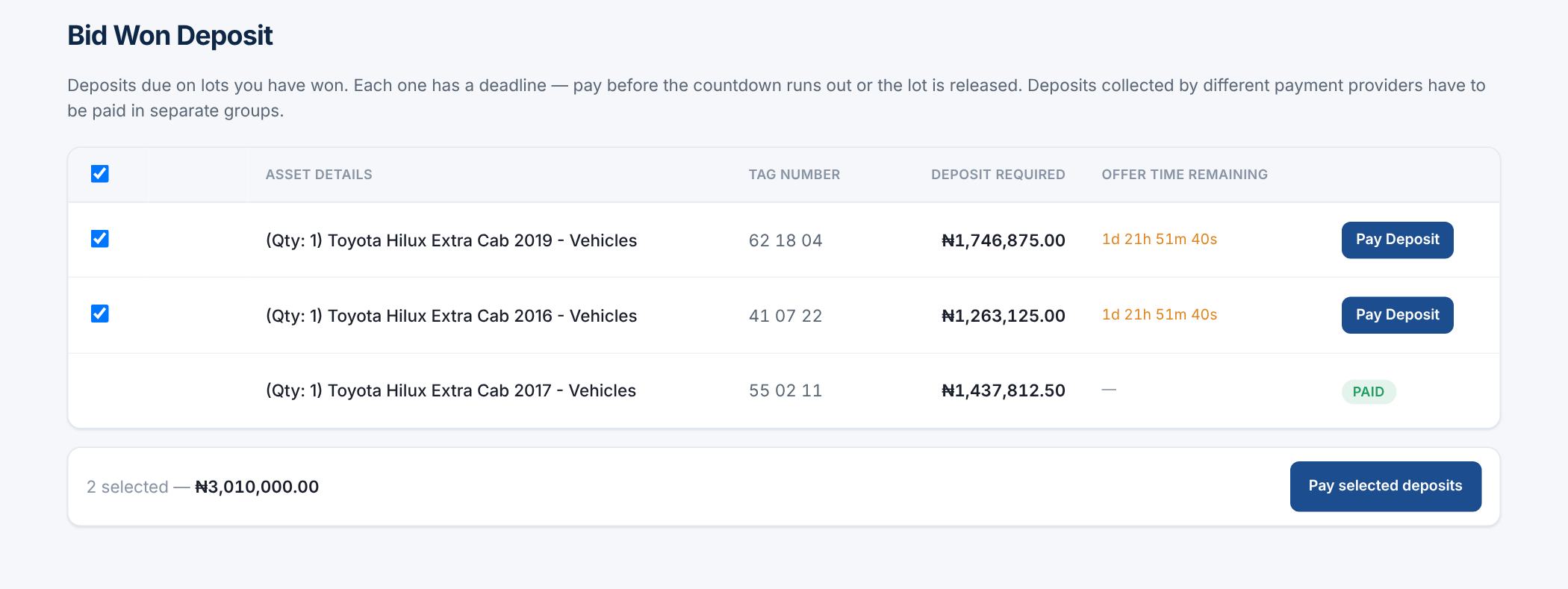
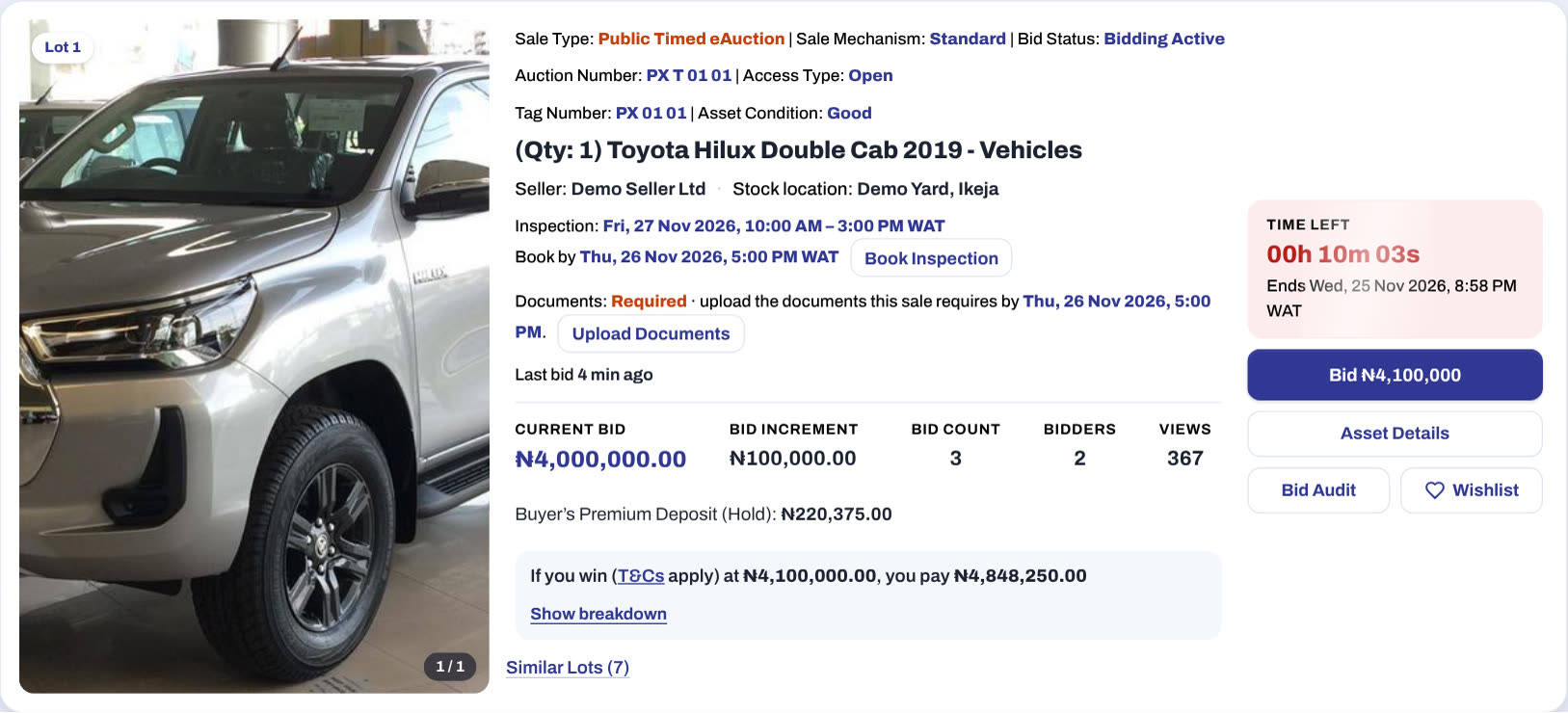
Deposits. The lot card and the bid window say which applies to the sale. Buyer’s Premium Deposit (Hold): held on your card when you confirm your bid, and released if you are outbid. Buyer’s Premium Deposit (without “Hold”): charged when you confirm, and refunded if you are outbid. On a sale with one deposit for the lot, it is not released or refunded when you are outbid: only when the auction closes, if you don’t win. If you win, the deposit counts towards what you pay. Bid Won Deposit: nothing is taken when you bid; the winner pays it after the auction. No deposit for this sale: nothing is taken when you bid.
Late bids and the closing time. When a bid is accepted in the last minutes, the closing time resets so everyone has time to respond. A bid you start but don’t finish, or whose card is declined, does not move the clock. A bid accepted just after the clock runs out still counts if you started it before the close.

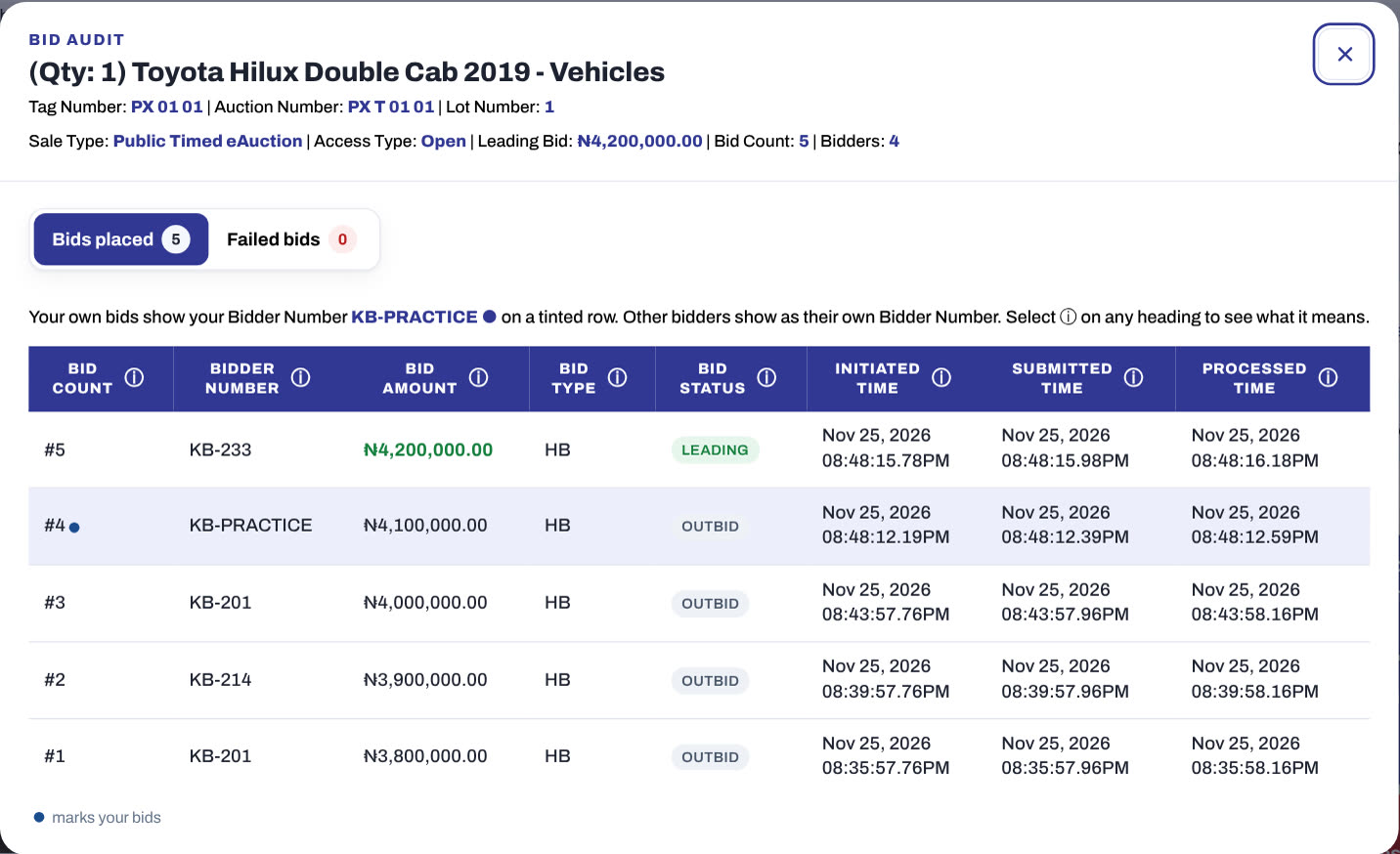
Select Bid Audit on any lot to see every bid. Your own rows are tinted, marked with a blue dot and show your Bidder Number; other bidders show only theirs. Each bid’s status is a coloured label: Leading (green), Equal (amber; it stays Equal after later bids) and Outbid (grey). Select ⓘ beside a column heading to see what it means.

| Bid Type | Means |
|---|---|
| HB | Hard Bid: a single bid at the amount shown |
| AB | Auto Bid: placed by the site for a bidder, up to their maximum |
| PAB | Proxy Auto Bid: set before the auction starts |
| SeB | Sealed eBid: a private offer |
| PSO | Provisional Sale Offer |
| BIN | Buy It Now |

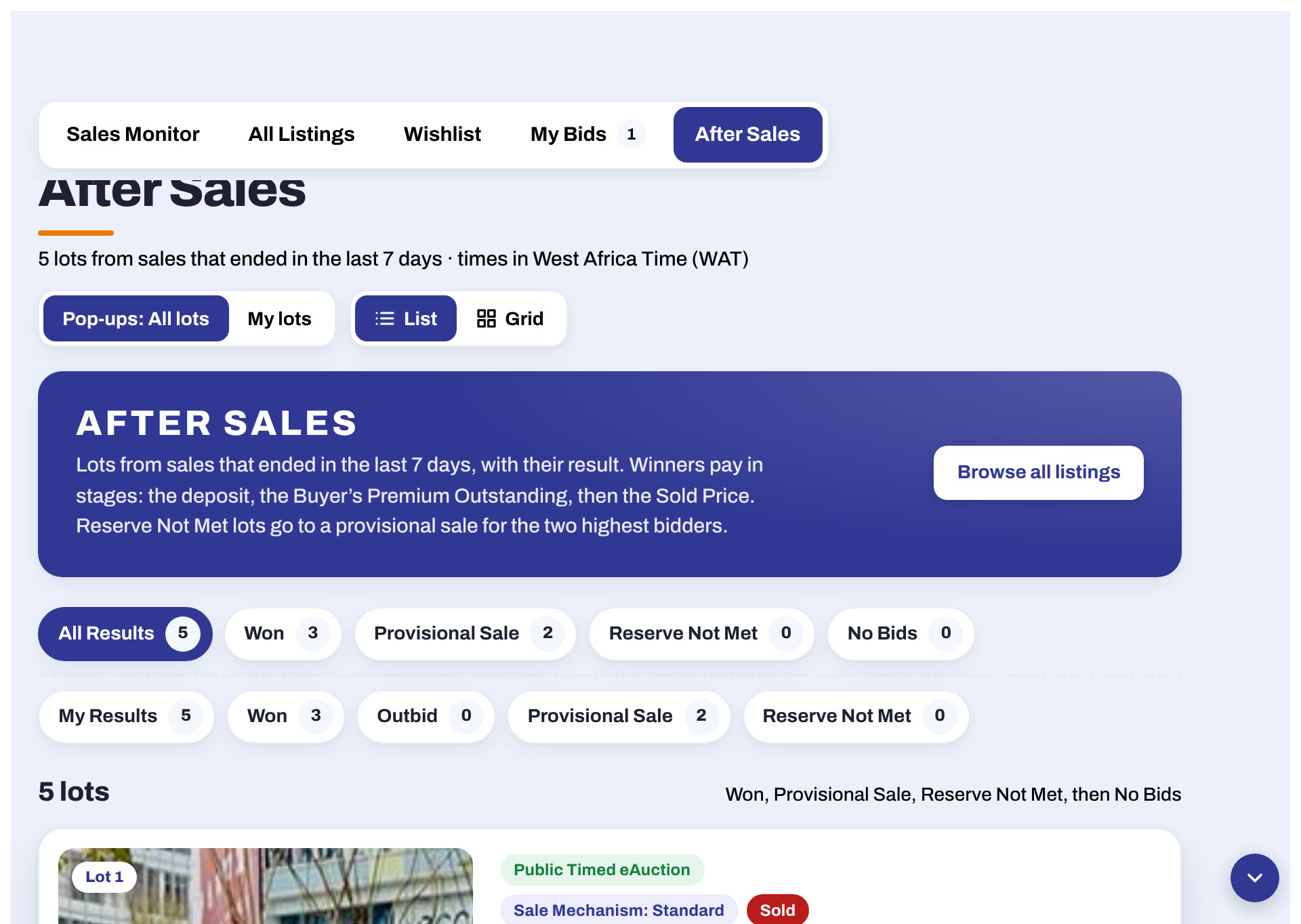
After Sales shows lots from sales that ended in the last 7 days, with two rows of filters.


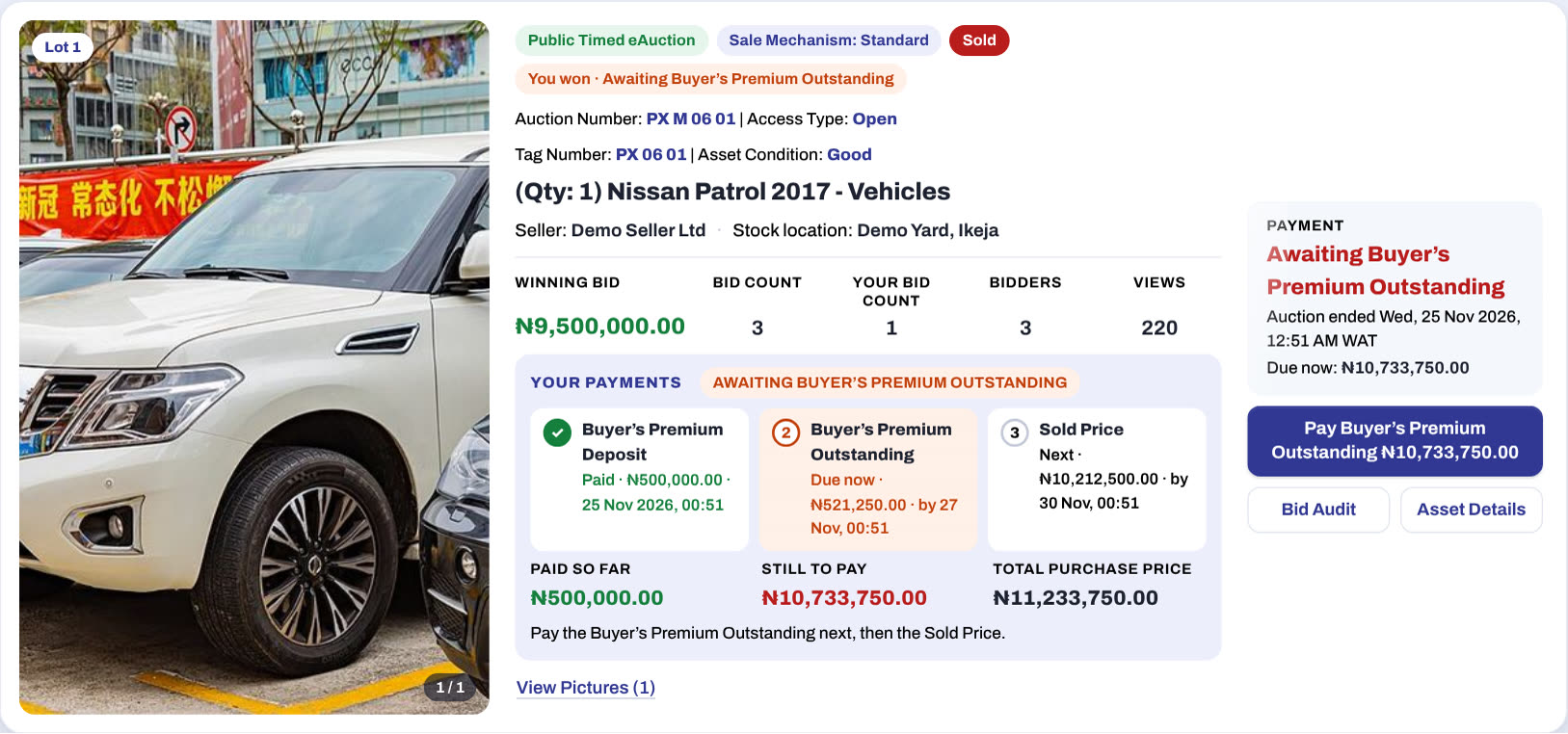
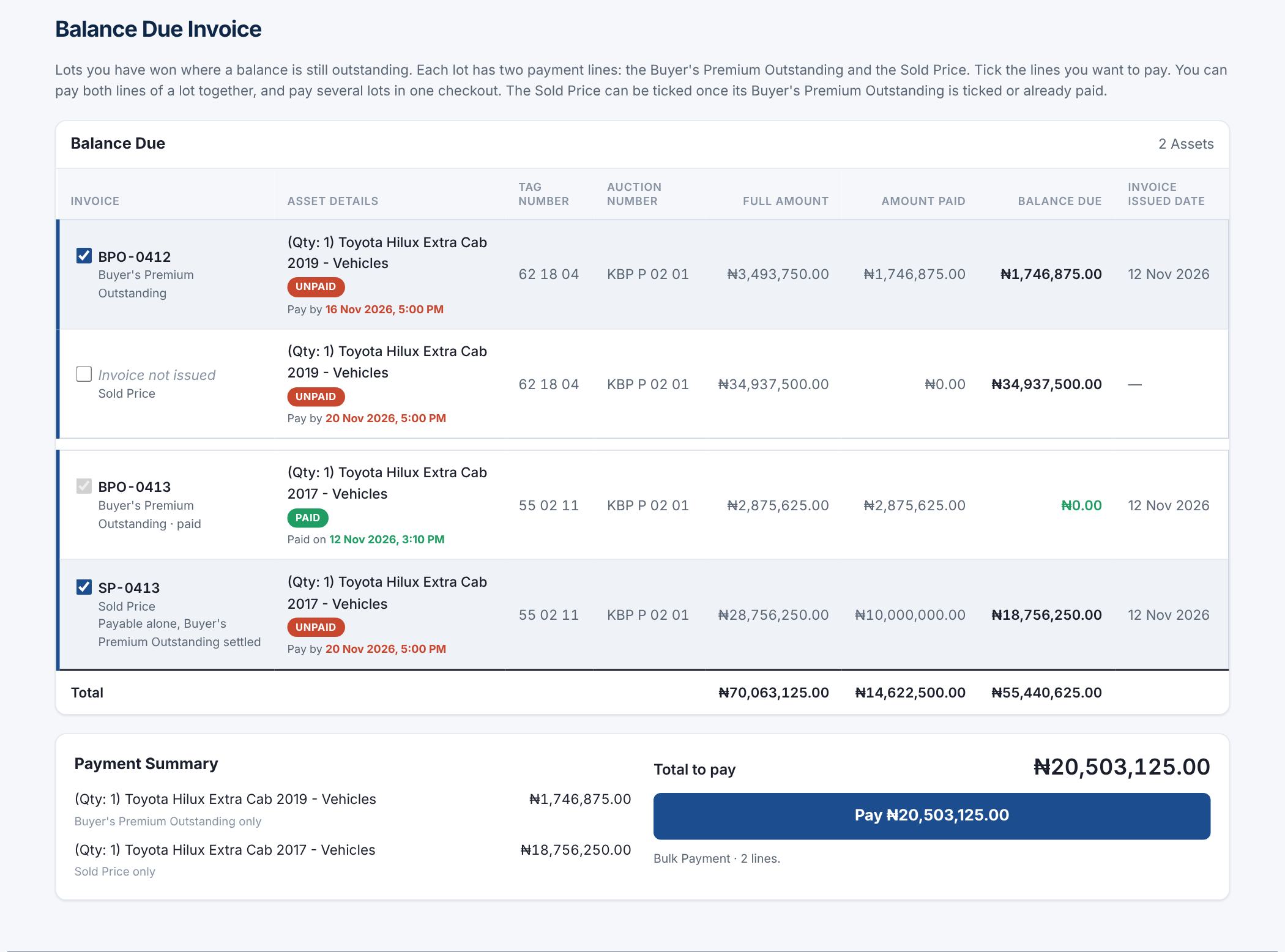
You pay for a lot you won in three stages, always in this order. Each has its own deadline, shown on the page. Missing a deadline can cancel the win.


Collecting what you won. Once you have paid in full and the seller has confirmed receipt, we email your release note. Collect within 5 working days of the date it is issued. Until you have collected, emails remind you on working day 2, the day before your window ends, on the last day, and the day after it. Storage charges after the window are explained in the FAQ and the Terms of Service.
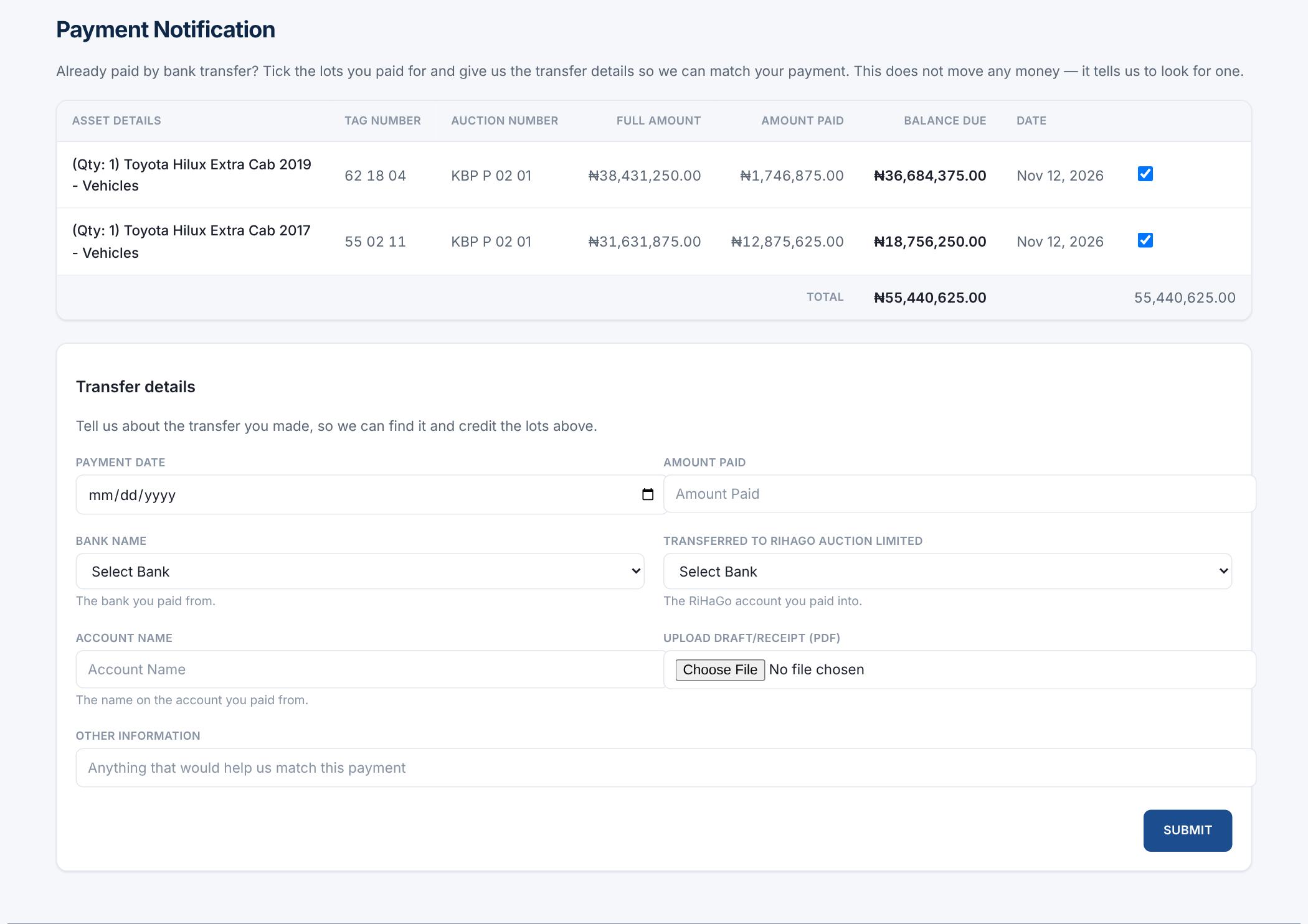
Paid by bank transfer instead of online? Tell us, so we can match your transfer to your lots. This page does not move any money.

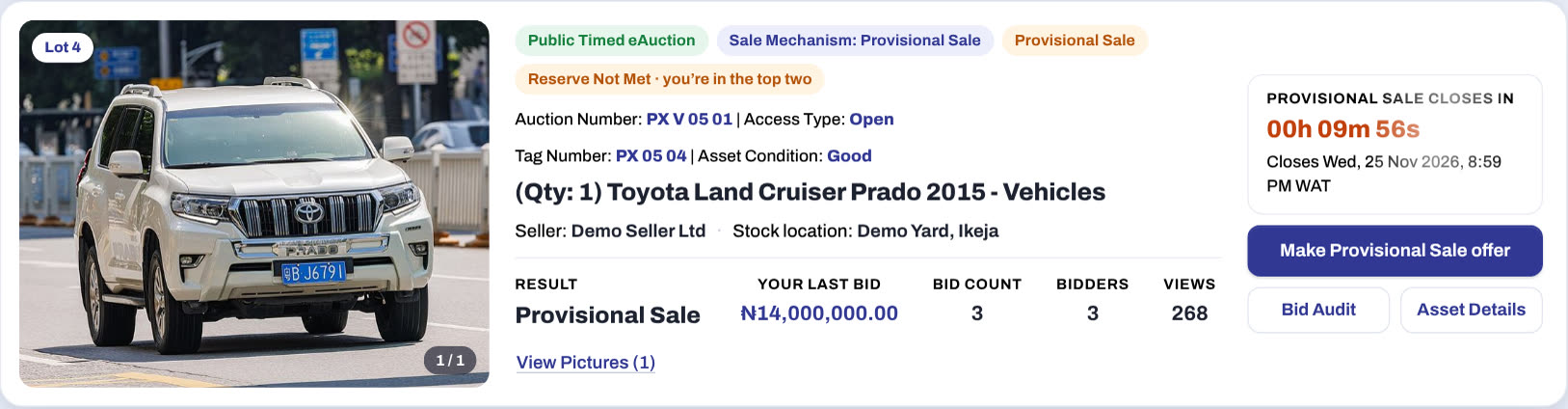
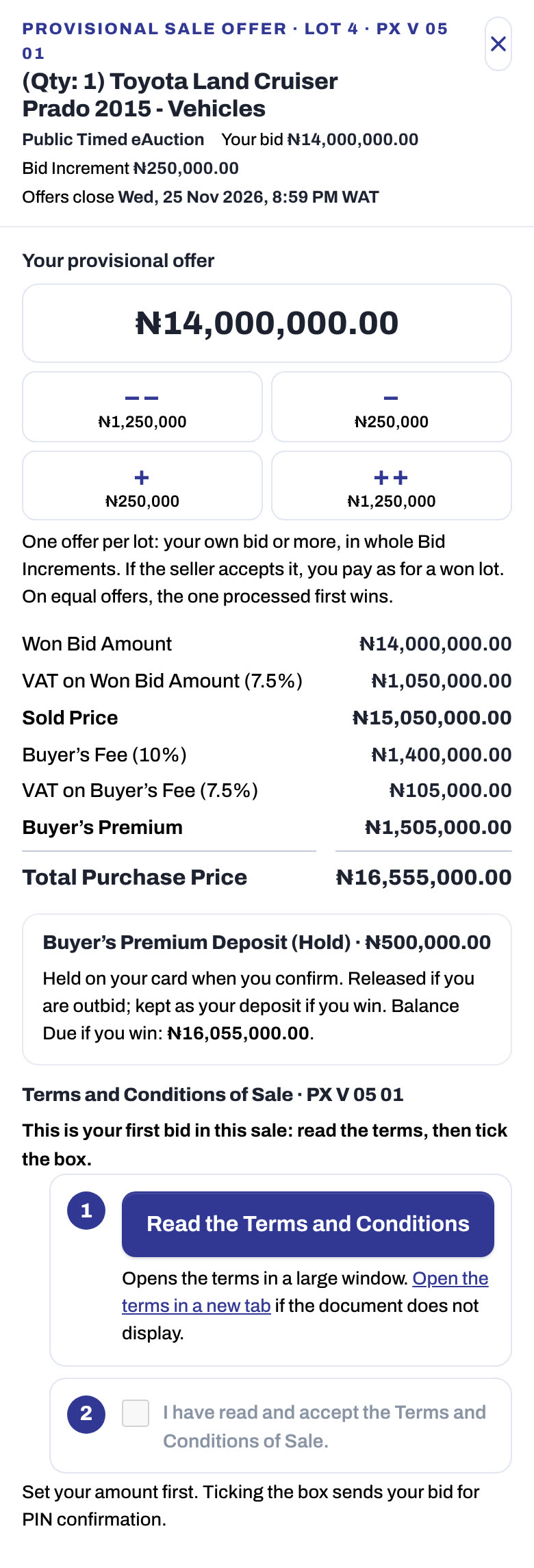
When the reserve price isn’t met, the two highest bidders may each make one offer before the Provisional Sale period closes.


Who wins. Only the offers count. The highest offer wins; if two offers are equal, the one processed first wins. If the seller hasn’t given a decision when the Provisional Sale period closes, a best offer at or above the reserve price is accepted automatically; an offer below the reserve price waits for the seller’s decision.


Still have a question? See the FAQ, or contact us.